

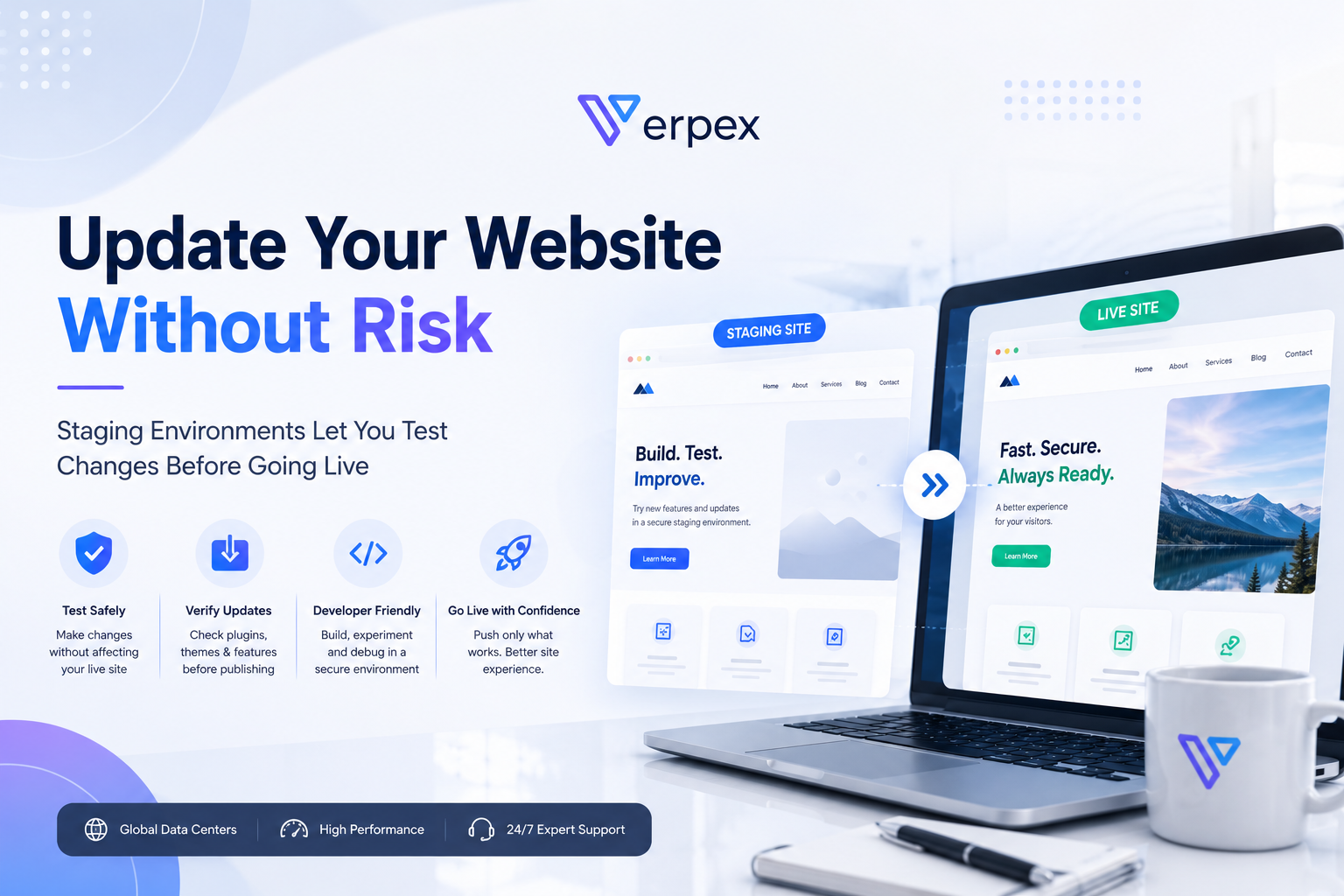
Updating a live website can be stressful. A new plugin, theme redesign, or custom code change might improve functionality—or unexpectedly break an important page. For businesses, even a short period of downtime or a visible error can affect customer confidence and interrupt daily operations.
One way to reduce this risk is by using a staging environment. Rather than making changes directly on a live website, a staging site provides a separate space where updates can be tested before they are published. For WordPress users, this workflow offers a safer and more controlled approach to website management.
What Is a Staging Environment?


A staging environment is essentially a private copy of your live website.
It contains the same themes, plugins, settings, and content, allowing you to experiment without affecting the version visitors see. Whether you’re redesigning your homepage, installing a new plugin, or updating custom code, you can first verify that everything works correctly before deploying the changes.
This approach helps developers and website owners identify potential issues early, reducing the chance of introducing unexpected problems to a production website.
Test Major Updates Before Visitors See Them


WordPress regularly receives updates, and plugin developers release new versions throughout the year. While these updates often improve security and functionality, compatibility issues can occasionally occur.
Testing updates on a staging site allows you to check whether:
- Plugins remain compatible with one another.
- Your theme displays correctly.
- Contact forms continue working.
- WooCommerce checkout functions properly.
- Custom code behaves as expected.
Instead of discovering problems through customer complaints, you can resolve them before publishing the updates.
A Better Workflow for Teams and Agencies


Staging environments are especially valuable for teams working on client websites.
Designers can preview layout changes, developers can test new features, and content editors can review updates before approval. This creates a more organized workflow where multiple people can contribute without directly affecting the live website.
For agencies managing several WordPress projects, staging environments also help standardize deployment procedures and reduce the likelihood of unexpected issues during client launches.
Reduce Downtime During Website Improvements


Without a staging environment, every update carries some level of risk.
Even seemingly minor adjustments—such as changing a plugin setting or modifying CSS—can produce unintended consequences. If these changes are made directly on a live website, visitors may encounter broken layouts, missing images, or temporary service interruptions.
By testing everything first, website owners can publish changes with greater confidence and minimize the possibility of downtime.
Staging Is One Part of a Strong Website Management Strategy


A staging environment works best when combined with other website management practices.
Regular backups, reliable hosting, software updates, strong security measures, and ongoing performance monitoring all contribute to a healthier website over the long term. Together, these practices reduce operational risk while making maintenance more predictable.
Rather than reacting to problems after they occur, website owners can build a proactive workflow that supports both stability and future growth.
Conclusion
Making changes to a live website will always involve some degree of risk, but that risk can be significantly reduced through proper testing. A staging environment gives website owners the opportunity to verify updates, troubleshoot issues, and improve their websites before changes become visible to visitors.
For WordPress websites that receive regular updates or ongoing development, adopting a staging-first workflow is a practical way to improve reliability while maintaining a better experience for users.
Ready to Build with Greater Confidence?
Whether you’re managing a personal blog, an online store, or multiple client websites, choosing a hosting provider that supports professional website management tools can make long-term maintenance much easier.