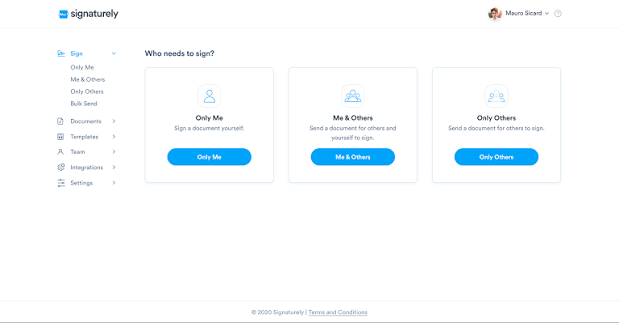

1. User Experience (UX/UI)
The brightest highlight when mentioning Signaturely is its exceptionally clean, modern user interface free of confusing technical jargon. Even those encountering e-signature software for the first time can figure it out and use it proficiently without watching tutorial videos.
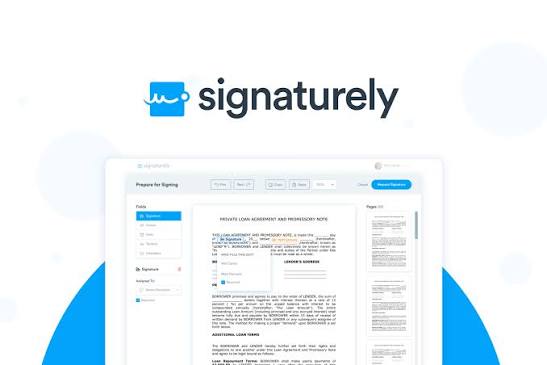
2. Smart Drag-and-Drop Editor
- Document Uploading: Supports the most popular formats, PDF and Word. Once uploaded, the file displays visually right on the central screen.
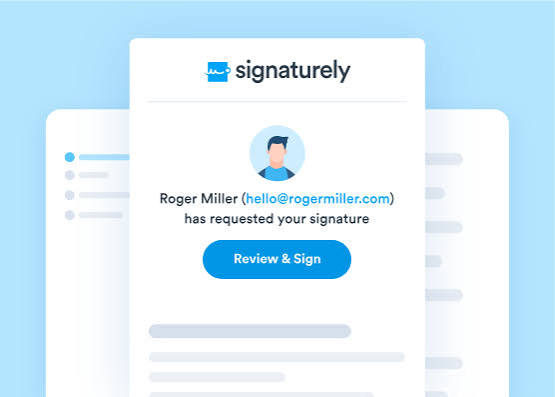
- Drag-and-Drop Actions: The side toolbar provides block-style fields such as: Signature, Name, Date, Checkbox, and Custom Text. Users simply use their mouse to drag and drop them into the exact necessary positions on the document.
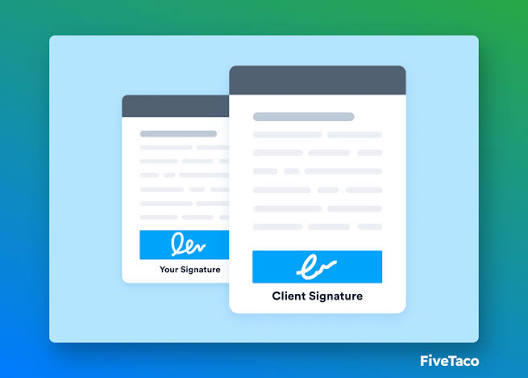
- Time-Saving: Preparing a complete contract ready to send takes less than 2 minutes.