
KrispCall Enterprise Deployment Handbook: From Account Creation to Phone Number Activation
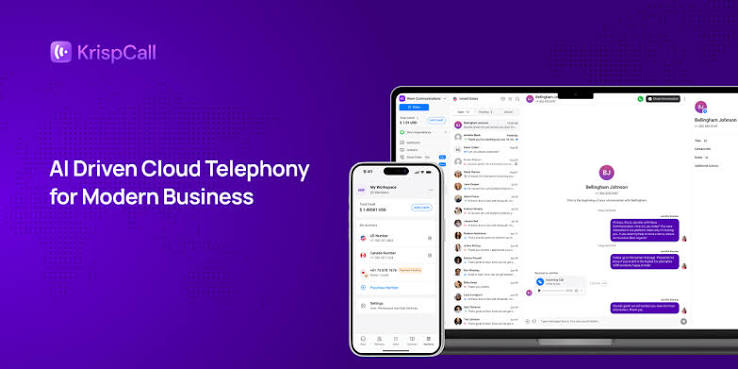
If you are wondering how complex setting up an international cloud call center system is, this guide walks you through deploying KrispCall as quickly and cleanly as possible.
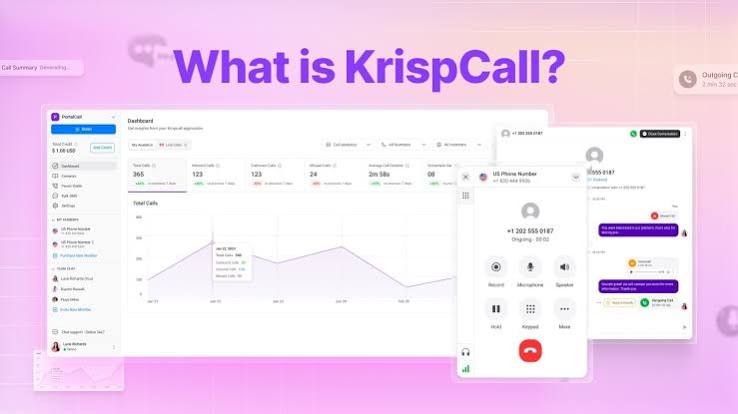
The standard procedure involves simple steps:
- Account Registration: Visit the KrispCall homepage, choose a pricing plan matching your business scale, and create an admin account.
- Identity Verification (KYC): Provide basic corporate documents requested by international carriers to acquire phone number usage rights.
- Number Purchasing and Configuration: Select your desired country code (US, UK, etc.) and integrate the number into the system.
- IVR Setup and Permissions: Set up multi-level auto-attendants, route calls to departments, and issue staff accounts for web or mobile apps. The entire process can be completed in just half a working day, allowing businesses to immediately put the call center into smooth operation.